Features
Everything you need to hand over work to clients
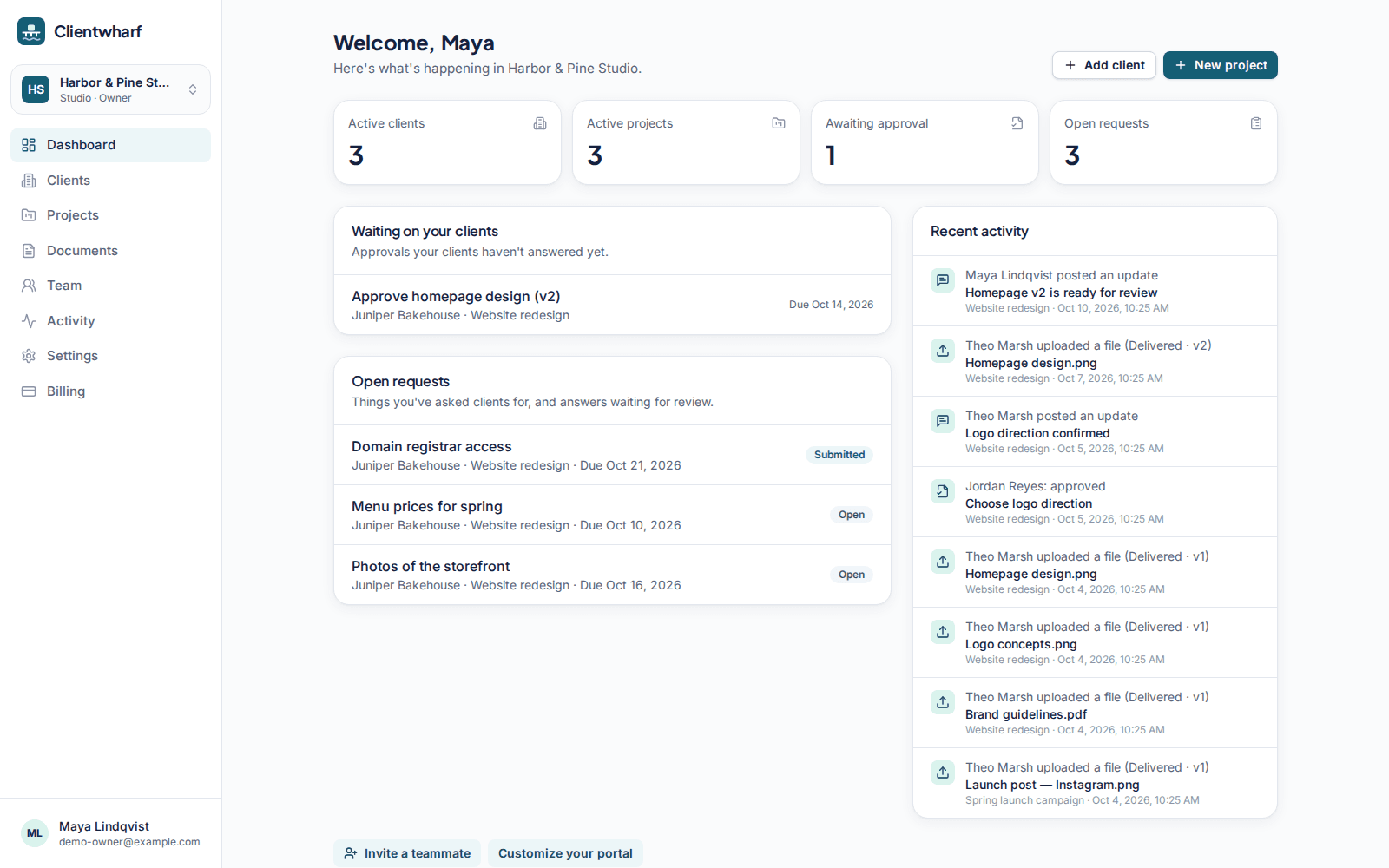
One private portal per client, with files, updates, approvals and requests in the same place. Here is what each part does.
Client portals
A private portal per client with everything that belongs to them, and nothing that doesn't.
File delivery
Folders, versions, previews and private download links for every deliverable.
Approvals
Ask for sign-off on a specific version and keep a permanent record of the answer.
Requests
A checklist of what you need from the client, with uploads and due dates.
Updates timeline
Short progress updates your clients can read in order, with comments.
Branding
Your logo and accent colour on every portal, and your own address on higher plans.
Quotes and invoices
Branded quote and invoice PDFs shared in the portal. Documents only, no payments.
Team and permissions
Invite teammates with Owner, Admin and Member roles, tighter permissions and an audit log on higher plans.
Security
How files and data are stored, who can reach them, and how tenants are kept apart.
How it works
Three steps, and the handover lives in one place instead of ten email threads.
- 1
Add a client and invite their contacts
Create a client, add a project and invite the people you work with by email. They sign in with a magic link, no password.
- 2
Share the work in their portal
Upload files and new versions, post short updates and list what you need from them. Everything sits in one private place.
- 3
Collect approvals and get what you need
Clients approve or request changes on the exact version, tick off requests and comment on approvals, requests and updates.
What Clientwharf doesn't do
Being clear about the edges helps you decide whether it fits.
No payment processing
Clientwharf doesn't process payments. Quotes and invoices are documents with a status you set yourself.
Not a marketplace
There is no public directory and no way for strangers to find or hire you. Portals are for clients you already work with.
No public file sharing
Files are shared only with invited client contacts, through signed links that expire. There are no public download pages.
Questions about features
Which features are included on every plan?
Client portals, file delivery with folders and versions, approvals, requests, the updates timeline, comments and notifications are on every plan. Plans differ in seats, active clients, storage, file size and a few extras.
Which plans include branding?
Your logo and accent colour are included on Freelancer Pro and above. Removing the “Powered by Clientwharf” footer is included on Studio and above.
Is anything here still planned?
Everything described on these pages is part of the product. Ideas we are considering are listed separately on the roadmap and labelled as planned.
Give every client one calm place to find their work
Try Clientwharf free for 14 days. No card required, and nothing is deleted if you decide not to continue.