Team and permissions
Work as a team, with clear roles
Invite the people you work with to your workspace. Each person has a role that decides what they can change, and higher plans keep an audit log of sensitive actions.
14-day free trial. No card required.
Three roles
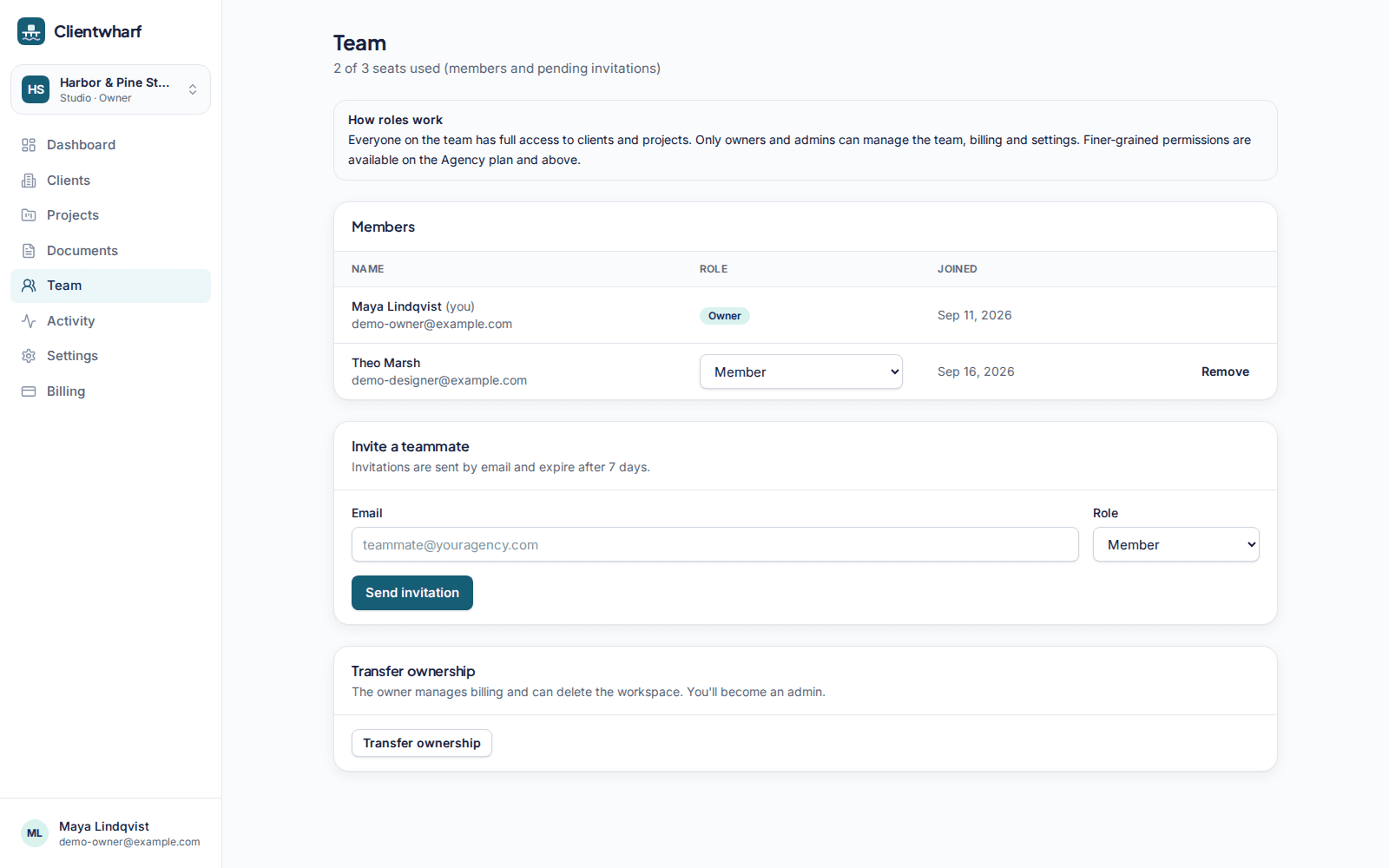
Every workspace uses the same three roles, so it is clear who can do what.
- Owner: everything an admin can do, plus deleting the workspace and transferring ownership
- Admin: billing, teammates, branding, workspace settings, data export and every client
- Member: day-to-day project work: files, updates, approvals and requests
Roles and permissions on Agency and above
On Agency and above, only owners and admins can create, edit or archive clients and invite or remove client contacts, while members keep working on files, updates, approvals and requests. On other plans, every team member can manage clients and contacts.
Seats per plan
Solo: 1 seat · Freelancer Pro: 1 seat · Studio: 3 seats · Agency: 10 seats · Agency Plus: 25 seats · Scale: 50 seats. Teammates join through an emailed invitation that expires if it is not used.
Account security
Team members sign in with email and password or a magic link, can turn on two-factor authentication with an authenticator app, and can review and sign out other sessions.
Audit log
On Agency Plus and above, the audit log shows sensitive actions such as role changes, invitations, deletions, exports, approvals and billing changes, with who did them and when. Events are recorded on every plan, so the history is there when you upgrade.
Team and permissions: common questions
Do client contacts use a team seat?
No. Seats are for your own team. Client contacts are invited to their portal and do not count towards seats.
What happens if I need more seats?
Move to a plan with more seats from the billing page. Nothing is removed if you are at your limit; you just cannot invite more people until you upgrade.
Is two-factor authentication required?
It is optional for each team member. We recommend turning it on.
Related features
Client portals
A private portal per client with everything that belongs to them, and nothing that doesn't.
Branding
Your logo and accent colour on every portal, and your own address on higher plans.
File delivery
Folders, versions, previews and private download links for every deliverable.
Give every client one calm place to find their work
Try Clientwharf free for 14 days. No card required, and nothing is deleted if you decide not to continue.