Quotes and invoices
Quote and invoice documents, shared in the portal
Create simple quotes and invoices with line items, tax and notes, turn them into branded PDFs, and share them in the client's portal next to the work they relate to. Clientwharf doesn't process payments.
14-day free trial. No card required.
Simple documents, done properly
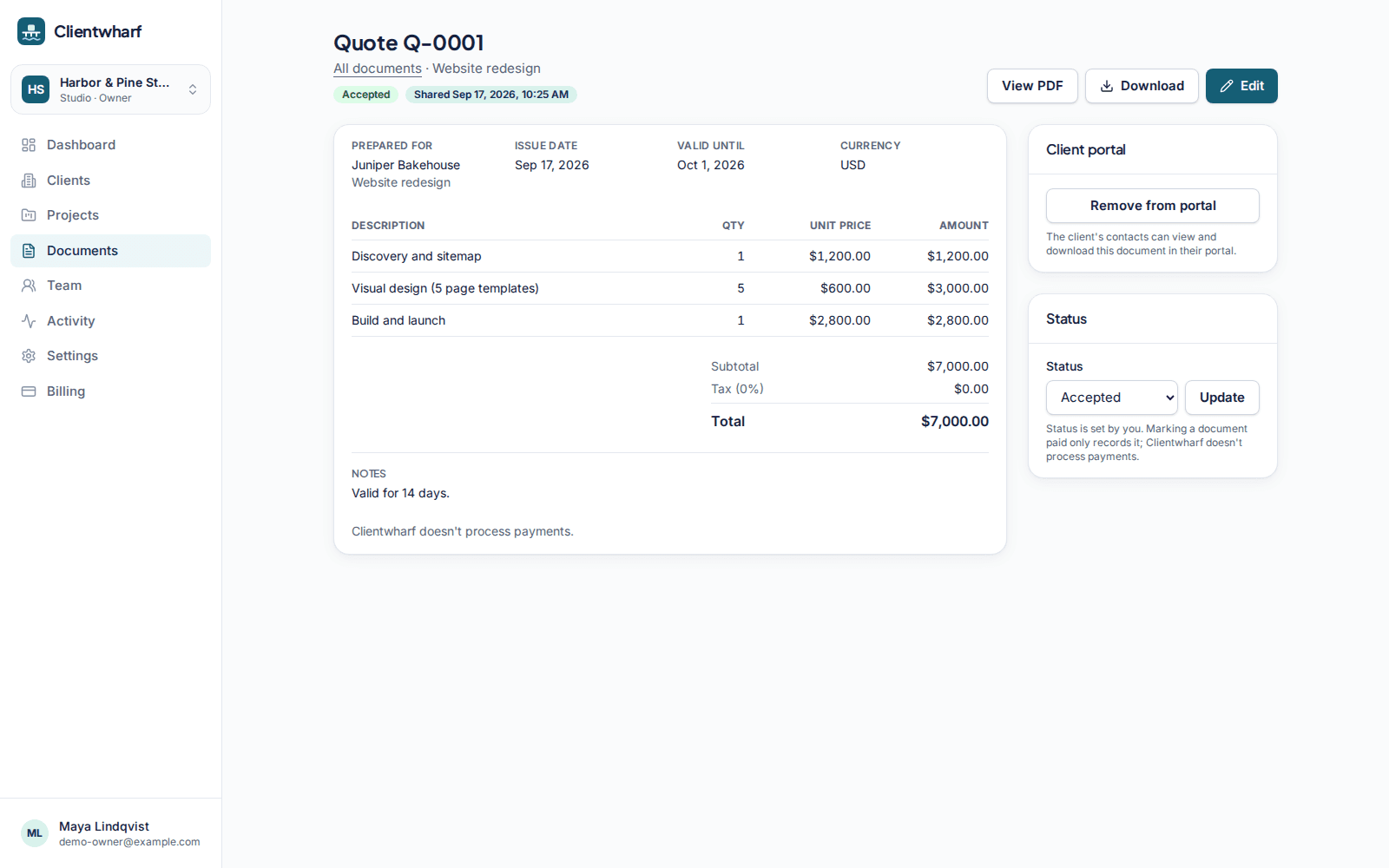
Add line items with quantity and unit price, a tax rate, a currency, a due or valid-until date and notes. Numbers are assigned automatically and are unique per workspace, and the PDF uses your logo and colour.
Shared where the client already looks
Share a document in the client's portal so it sits with the project, the files and the approvals. Clients can view and download the PDF.
You set the status
Mark a quote as draft, sent, accepted, declined or void, and an invoice as draft, sent, paid or void. Statuses are set by you by hand. Clientwharf never collects money, shows payment buttons or stores card details.
Quotes and invoices: common questions
Can my clients pay an invoice through Clientwharf?
No. Clientwharf doesn't process payments. Invoices are documents; your client pays you the way you normally agree, and you mark the invoice as paid yourself.
Which currencies can I use?
You choose the currency for each document. It is shown on the PDF; no conversion or payment takes place.
Is this a replacement for accounting software?
No. It is a simple way to share quotes and invoices with clients alongside the work. Keep using your accounting tool for bookkeeping.
Related features
Branding
Your logo and accent colour on every portal, and your own address on higher plans.
Client portals
A private portal per client with everything that belongs to them, and nothing that doesn't.
Approvals
Ask for sign-off on a specific version and keep a permanent record of the answer.
Give every client one calm place to find their work
Try Clientwharf free for 14 days. No card required, and nothing is deleted if you decide not to continue.