Approvals and feedback
How to Collect Client Feedback That's Clear and Actionable
Practical ways to get client feedback you can act on: set up reviews, ask specific questions, give clients a format and confirm changes in writing.
By Clientwharf TeamPublished 7 min read

On this page
Why client feedback goes wrong
Most client feedback problems look like client problems: "They don't know what they want", "they keep changing their mind", "the comments make no sense". In practice, most come from the way feedback is requested. A few patterns cause most of the trouble:
- Vague comments. "Can it feel more premium?" with no indication of what "premium" means.
- Conflicting comments. The marketing lead wants bolder colors; the founder wants it calmer.
- Late comments. Feedback on the overall direction arriving after the details are finished.
- Scattered comments. Some in email, some in chat, some said on a call and never written down.
- Solutions instead of problems. "Make the button red" when the real concern is that people won't notice it.
The good news is that you control most of the conditions. Clear feedback is something you design for, not something you hope for.
Set up the review before you share the work
The moment you share a draft is too late to explain how feedback should work. Agree on the basics at kickoff and remind the client at each review.
Who gives feedback. Ask the client to name one person who collects comments from their team, resolves conflicts and sends one consolidated set. Other people can comment, but this person decides.
What stage you're at. Tell the client what kind of feedback is useful now. Early on, you want reactions to direction and structure. Later, you want detail and accuracy. Saying "this round is about layout and hierarchy; we'll refine colors and wording in the next one" prevents a lot of wasted comments.
What the goals are. Restate the objectives you agreed: who the work is for, what it needs to do, what success looks like. Feedback is only useful when it's measured against something.
When feedback is due. Give a date. "Please send consolidated feedback by Thursday, October 16" works better than "when you get a chance".
How many rounds are included. If your proposal includes two revision rounds, say which round this is. That gently encourages complete feedback. Our guide on reducing revision rounds goes deeper on this.
Anchor feedback to goals, not taste
Nielsen Norman Group's guidance on design critiques makes a point that applies directly to client reviews: feedback stays subjective unless everyone agrees on the objectives first, and opinions are more useful when reframed as questions about whether the work meets those objectives (NN/g).
You can bring that into client reviews with a short framing at the top of every review request:
This homepage needs to do two things: help small business owners understand the service within a few seconds, and get them to book a call. As you review, please consider whether it does those two things. Personal preferences are welcome too; just mark them as preferences so we can weigh them.
This doesn't stop clients from saying "I don't like the green". It does make it easier to ask the next question: "Is the green getting in the way of booking a call, or is it a preference?" Both are valid, but they're handled differently.
Ask specific questions
Open questions such as "What do you think?" invite open answers. Specific questions get specific answers. Choose a few that match the stage:
Early direction
- Does this direction feel right for your audience? If not, what feels off?
- Which of these two options is closer to what you imagined, and why?
- Is anything important missing from this structure?
Content and accuracy
- Are all facts, names, prices and dates correct?
- Is there any wording your team would never use?
- Is anything here confidential or not ready to be public?
Detail and polish
- Is there anything you'd find hard to explain to a colleague?
- Is anything still blocking you from approving this version?
Three to five questions per review is plenty. Put them in the review request itself, not in a separate document.
Give clients a simple format
A format helps clients turn reactions into instructions. Ask for each comment to cover four things:
- Where: the page, section, slide, timestamp or element.
- What: what they noticed or want changed.
- Why: the problem it causes or the goal it supports.
- Priority: must change, should change, or nice to have.
Here's what that looks like in practice:
| Where | What | Why | Priority |
|---|---|---|---|
| Homepage, hero | Headline is too long | Doesn't fit on one line on mobile | Must |
| Pricing section | Add a note about annual billing | Sales gets asked this often | Should |
| Footer | Try a darker background | Personal preference | Nice to have |
The "why" column is the most valuable. It lets you solve the actual problem, sometimes in a better way than the client suggested. The "priority" column tells you what to do if two requests conflict or time is short.
Comments attached directly to the work are easier to act on than comments in a separate email. When a client can point at the exact element, "where" answers itself.
Translate vague feedback
Even with good setup, you'll get vague comments. Treat them as a starting point and ask a follow-up question:
| Client says | Ask |
|---|---|
| "Make it pop." | Which part should stand out more? What should a visitor notice first? |
| "It doesn't feel right." | What feels off: the tone, the colors, the layout, the wording? |
| "Can it be more modern?" | Can you share one or two examples that feel modern to you? What do you like about them? |
| "I'll know it when I see it." | Would it help if I showed two quick options so we can compare? |
| "My partner doesn't like it." | What specifically did they react to? Is that something we should change for the target audience? |
When words aren't working, show options. Two small variations of a headline or color treatment, side by side, often resolve in minutes what a long email can't.
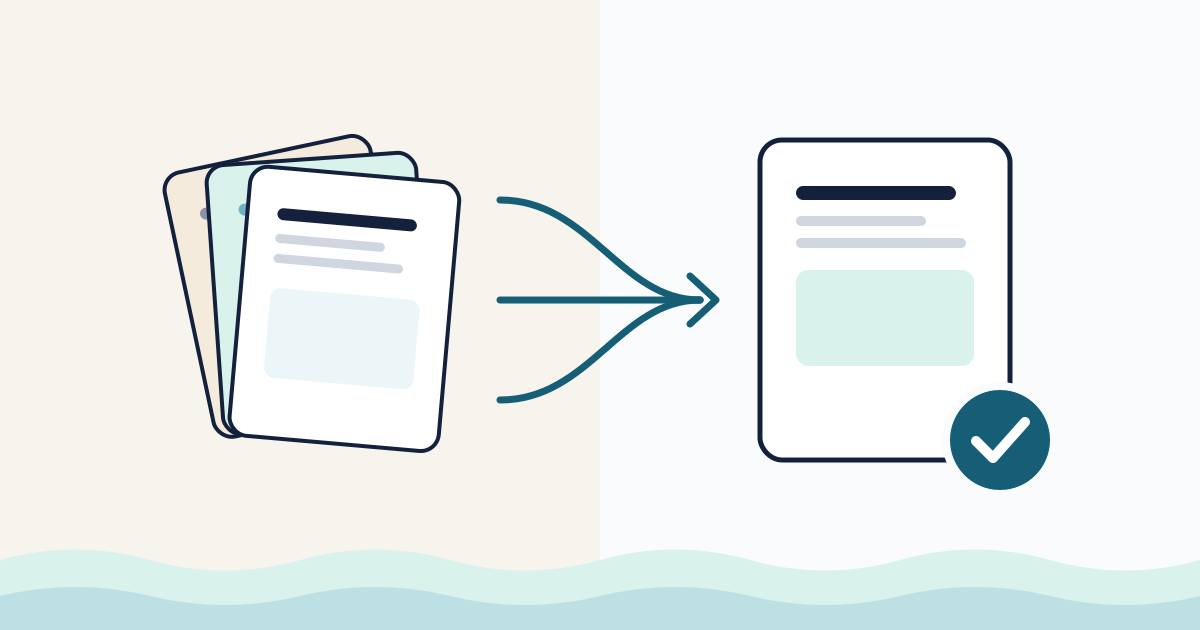
Consolidate and confirm before you start
Before you make changes, send a short summary of what you heard and what you'll do. This is the single most effective step for avoiding misunderstandings:
Thanks for the feedback. Here's what we'll change in v3:
- Shorten the homepage headline so it fits on one line on mobile.
- Add a note about annual billing to the pricing section.
- Keep the footer color as is for now; we'll show a darker option alongside it.
Not included in this round: the new testimonials section, which we'll quote separately.
Please reply by Monday if anything is missing or misread. Otherwise we'll start on Tuesday.
This confirms understanding, records decisions and flags anything outside scope. If a request would add work beyond what you agreed, our guide to managing scope creep has wording for that conversation. Plain language helps here: Digital.gov's plain language guidance recommends the active voice because it "makes it clear who should do what" (Digital.gov).
Handle conflicting feedback
When two people on the client side want different things:
- Don't pick a side yourself. You'll be wrong for one of them.
- List the conflict plainly. "Dana suggests a bolder color; Sam prefers the current calm palette."
- Connect it to the goals. Note which option better supports the agreed objective, if one does.
- Ask the decision-maker to choose, with a date.
If conflicts keep happening, revisit who the decision-maker is. It's a sign the role wasn't clear at kickoff.
Close the loop with an approval
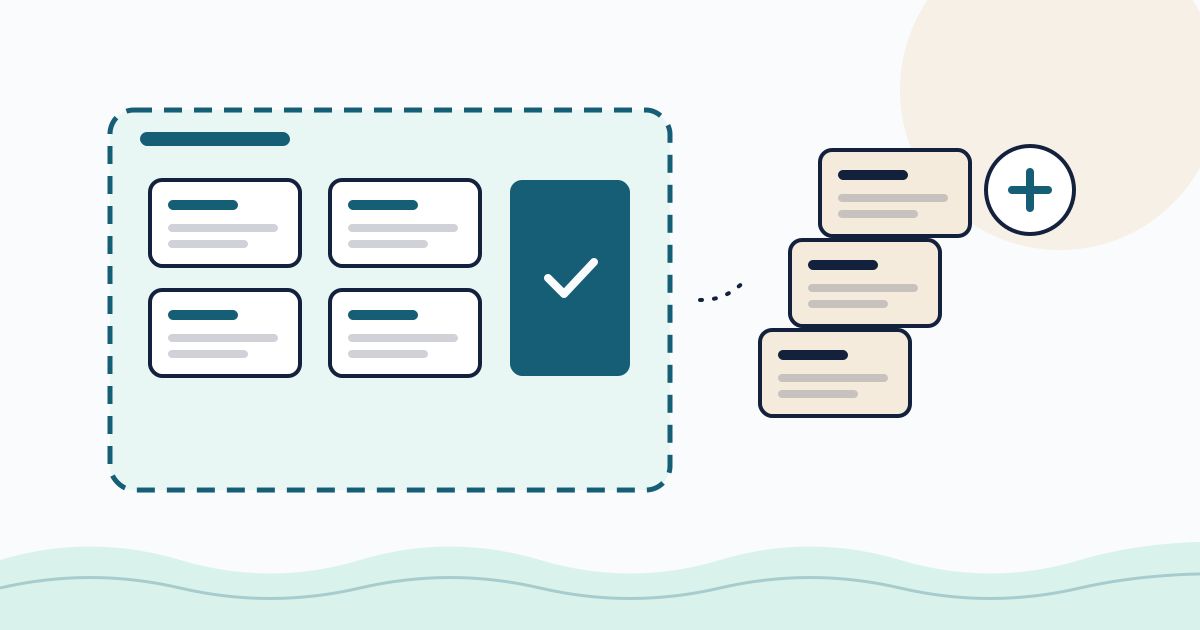
Feedback rounds should end with a clear decision, not a fading thread. Once changes are made, ask for an explicit approval of the specific version: "Please approve v3 of the homepage, or request changes with a comment."
That's how we built approvals in Clientwharf. You share a file or deliverable in the client's private portal and request approval; the client chooses Approve or Request changes with a comment, and Clientwharf records who responded, on which version and when. Clients can also comment on the approval itself and on project updates, so feedback stays attached to the work rather than scattered across inboxes. For more on making that final step quick, see our guide on getting client approvals faster.
Feedback collection checklist
Before the review:
- One client-side decision-maker named
- Goals for the deliverable restated
- Type of feedback needed at this stage explained
- Three to five specific questions included
- Feedback format shared (where, what, why, priority)
- Due date and round number stated
After the review:
- Vague comments clarified with follow-up questions
- Conflicts listed and sent to the decision-maker
- Summary of changes confirmed in writing
- Out-of-scope requests flagged separately
- Approval requested on the updated version
Clear feedback is a shared responsibility, but you're in the best position to make it easy. Set up each review with goals, questions and a format, confirm what you heard, and close each round with an approval. Your clients will spend less time writing comments, and you'll spend less time guessing what they meant.
Frequently asked questions
How do I get clients to give more specific feedback?
Ask specific questions tied to the project goals, give them a simple format for each comment (where, what, why, priority) and tell them which kind of feedback is useful at the current stage.
What should I do with vague feedback like 'make it pop'?
Treat it as a starting point, not an instruction. Ask follow-up questions about what feels wrong and what outcome they want, and show options if words aren't enough.
How do I handle conflicting feedback from several people?
Agree at the start that one person consolidates feedback and resolves conflicts on the client side. If conflicts still reach you, list them side by side and ask that person to decide.
Should feedback be collected by email?
Email works for small projects, but comments get scattered across threads. Collecting comments directly on the file or deliverable, in one place, makes them easier to track and confirm.